Privacy Manifest
Starting May 1, 2024, apps used UnityFramework must declare usage of required reason APIs in a privacy manifest.
https://developer.apple.com/documentation/bundleresources/privacy-manifest-files
How to create a privacy manifest:
To add the privacy manifest to your app or third-party SDK in Xcode, follow these steps:
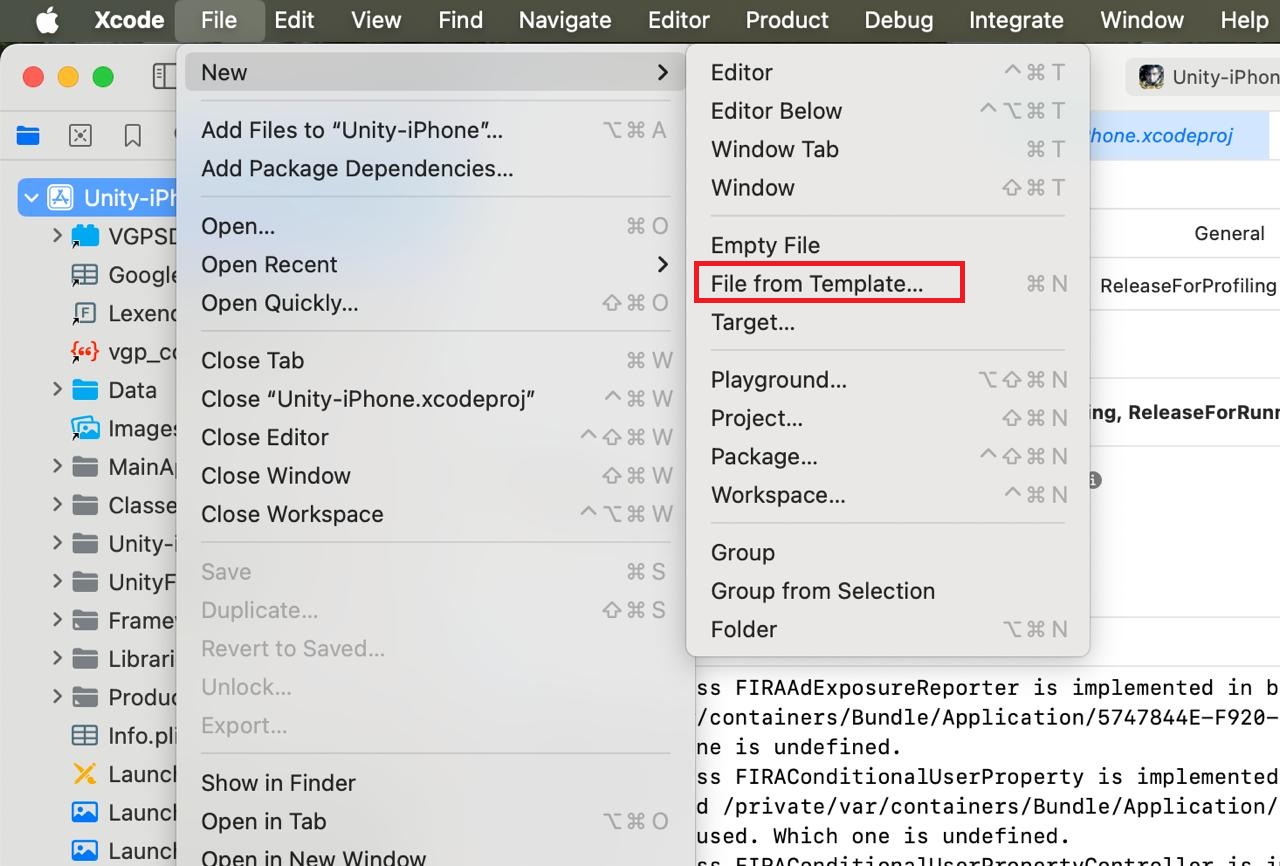
Create file
Choose File > New > File from Template
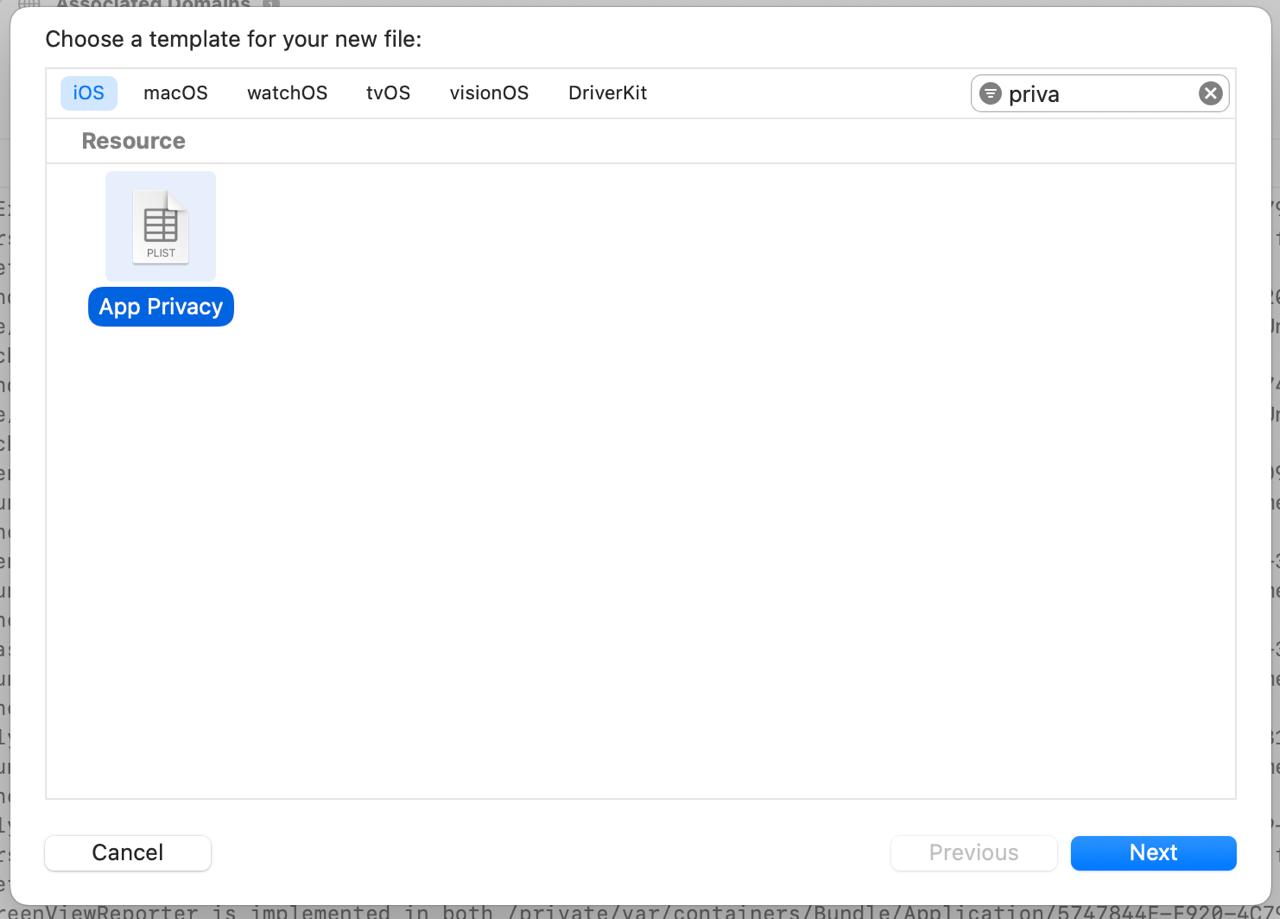
Chose file type
Search for Privacy, and select App Privacy File type.
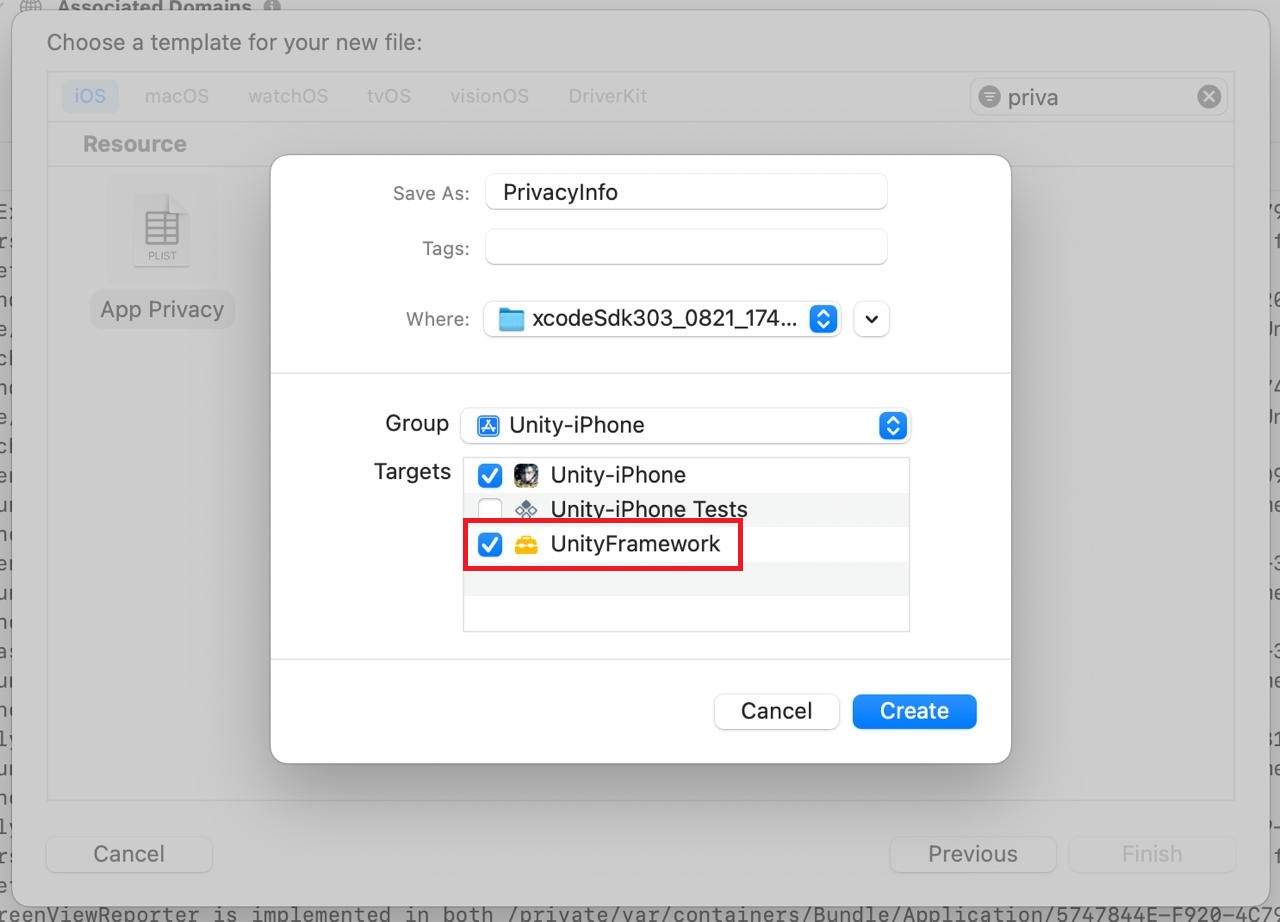
Target
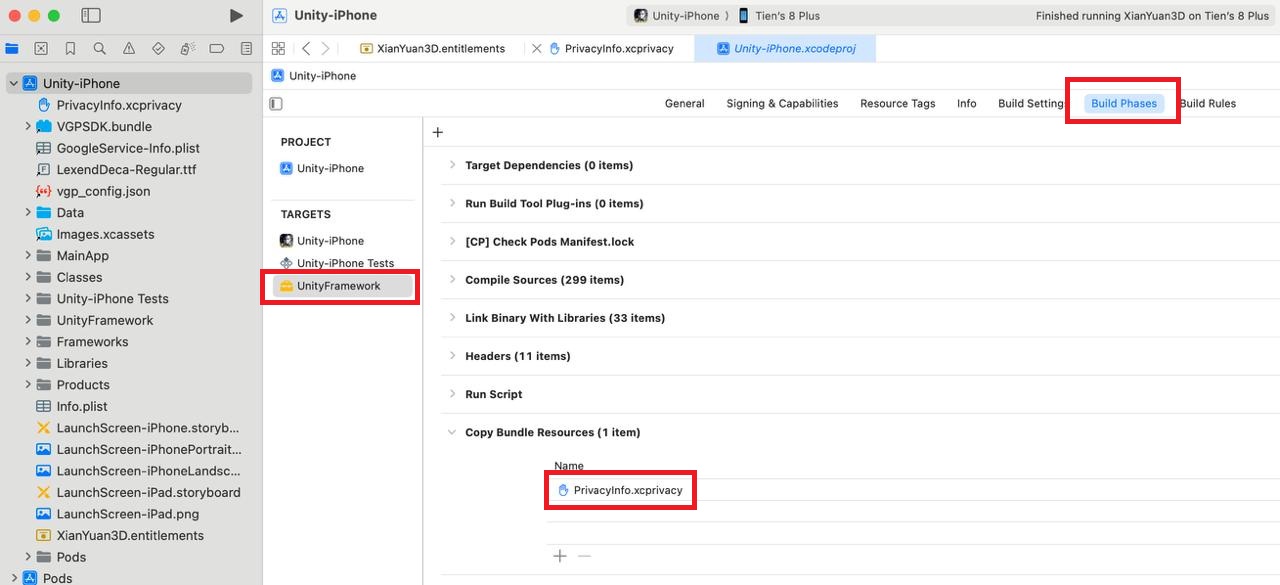
Add UnityFramework as target.
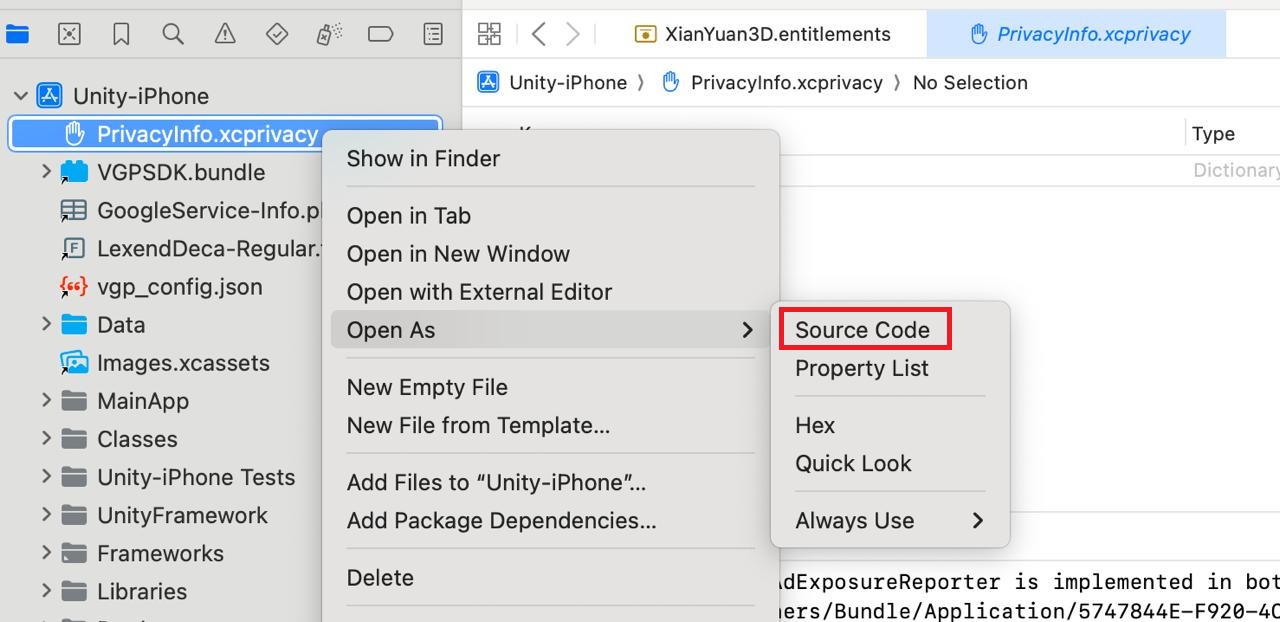
Edit source
By default, the file is named PrivacyInfo.xcprivacy > open file as source code and copy source above
Check build
Check copy bundle resource to make sure Privacy file in the list.
PrivacyInfo.xcprivacy
<?xml version="1.0" encoding="UTF-8"?>
<!DOCTYPE plist PUBLIC "-//Apple//DTD PLIST 1.0//EN" "http://www.apple.com/DTDs/PropertyList-1.0.dtd">
<plist version="1.0">
<dict>
  <key>NSPrivacyTracking</key>
  <false/>
  <key>NSPrivacyTrackingDomains</key>
  <array/>
  <key>NSPrivacyCollectedDataTypes</key>
  <array/>
  <key>NSPrivacyAccessedAPITypes</key>
  <array>
    <dict>
      <key>NSPrivacyAccessedAPIType</key>
      <string>NSPrivacyAccessedAPICategoryUserDefaults</string>
      <key>NSPrivacyAccessedAPITypeReasons</key>
      <array>
        <string>CA92.1</string>
      </array>
    </dict>
    <dict>
      <key>NSPrivacyAccessedAPIType</key>
      <string>NSPrivacyAccessedAPICategorySystemBootTime</string>
      <key>NSPrivacyAccessedAPITypeReasons</key>
      <array>
        <string>35F9.1</string>
      </array>
    </dict>
    <dict>
      <key>NSPrivacyAccessedAPIType</key>
      <string>NSPrivacyAccessedAPICategoryDiskSpace</string>
      <key>NSPrivacyAccessedAPITypeReasons</key>
      <array>
        <string>E174.1</string>
      </array>
    </dict>
  </array>
</dict>
</plist>
Ensure the file appears under Build Phases → Copy Bundle Resources.